Where to Find 3D Models to Print
You don't need CAD skills to get a part printed — millions of ready-made models are free to download. Where to look, how to judge what you find, and what the licence small print actually means.
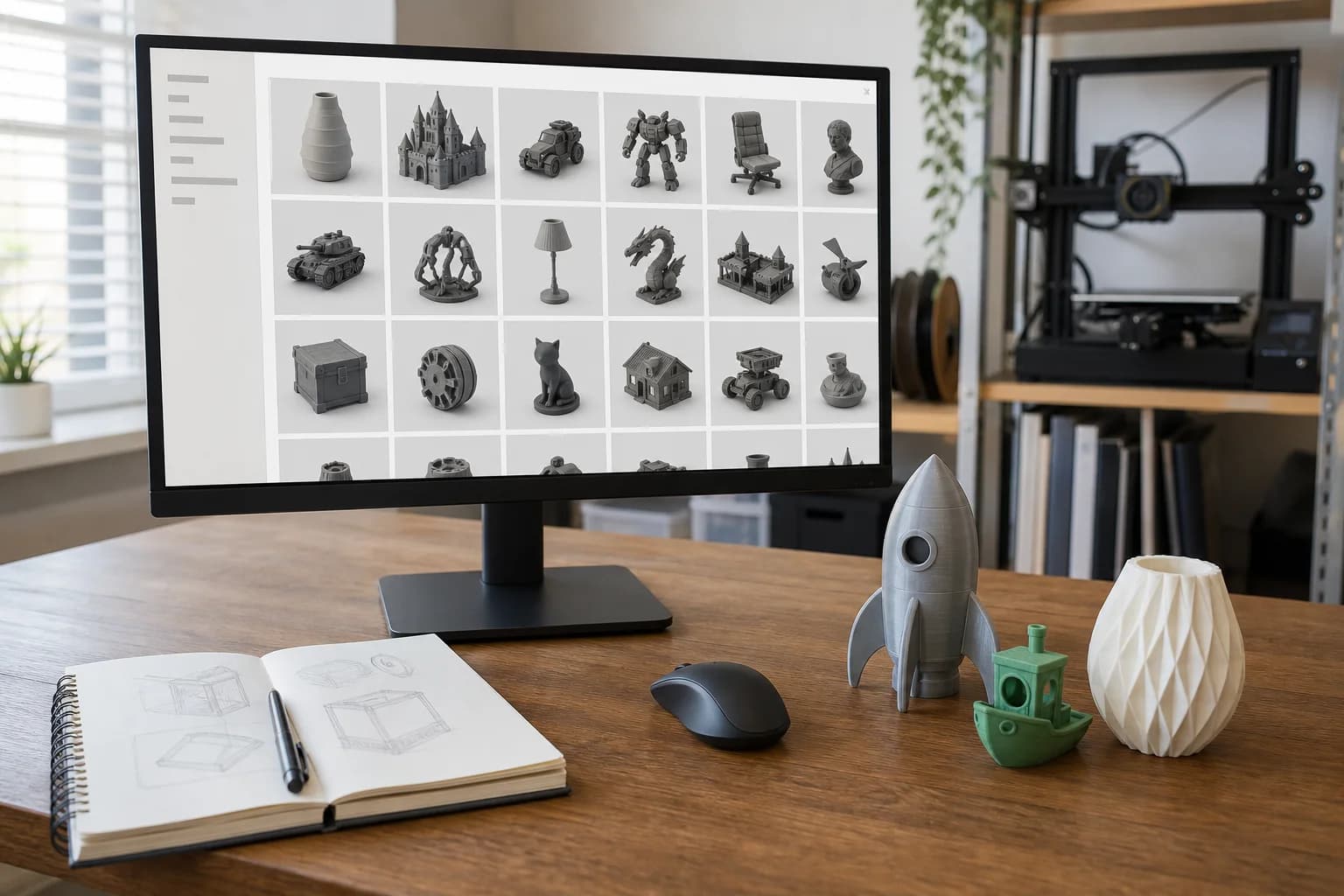
You do not need to know CAD to get something 3D printed. Most of the parts people want — replacement knobs, brackets, organisers, hooks, adaptors, game pieces, enclosures — have already been designed by someone else and published, usually for free. The skill worth learning is not modelling; it is knowing where to look and how to judge what you find.
Here is the map, drawn honestly. Each platform below has its own full guide; this page is for working out where to start.
The short answer
- You want a well-made functional part, quickly: start on Printables, then MakerWorld. Both are run by printer manufacturers with a direct interest in models that actually print.
- You want something obscure — an old bracket, a discontinued clip, a niche remix: Thingiverse. The catalogue is old, huge and messy, and the thing you need is probably in it.
- You know what the part looks like but not what it's called: Thangs searches by shape, and indexes the other sites while it's at it.
- You want polished decorative work, cosplay or gadgets, and don't mind paying a designer a few pounds: Cults3D.
- Tabletop miniatures, busts, museum-grade scans: MyMiniFactory, where uploads are checked before they're listed.
- Engineering parts, in proper CAD formats: GrabCAD and the manufacturer catalogues. STEP files beat STL when a part might need adjusting.
- You'd rather skip the hunt for common workshop parts: our own print library is a couple of hundred functional designs — brackets, hooks, trays, spacers, jigs — released CC0, priced live, with no licence questions at all.
How to judge a model before you commit to it
The difference between a good evening and a wasted one is usually visible on the listing page, if you know what to look for.
Look for evidence it has been printed. Photographs of a real, physical print — ideally several, by different people — are worth more than any render. Platforms call these "makes" or "prints". A model with ten makes and comment threads discussing fit is proven; a model with one glossy render and silence is a gamble. Renders hide stringing, warping, impossible overhangs and parts that were never test-fitted.
Check the designer's other work. Someone with fifty tidy functional designs and answered comments takes their tolerances seriously. A profile with three uploads and no responses may still be fine — but you are the test department.
Find the dimensions. A surprising number of models never state their real-world size, and STL files do not store units, so a file can arrive at one twenty-fifth of the size you expected. Good listings state a key dimension. If the one you need isn't stated, ask in the comments or measure against something in the photos.
Distinguish sculpts from engineering. A beautifully sculpted dragon and a bearing block are both "3D models", but they fail differently. Sculpts tolerate small inaccuracies; functional parts live or die by wall thickness, hole sizes and tolerances. If a functional part's listing never mentions fit, clearances or screw sizes, assume nobody checked them.
Read the comments before the description. The description is written on launch day; the comments are written after real people printed it. "Scaled 101% and the lid fits" is the single most valuable sentence on the internet.
The licence question, in plain English
Every model comes with a licence, usually a Creative Commons variant, and it is worth ten seconds of your attention.
- CC0 / public domain — do anything you like. Our library uses this.
- CC-BY — free to use, credit the designer.
- CC-BY-NC ("non-commercial") — fine to print for yourself; not fine to sell prints of. Paying a print service to make you a copy for your own use is generally understood as personal use — the service is supplying labour and material, not selling the design — but the file's licence is your responsibility as the downloader, and if you plan to sell the printed items, NC means no without the designer's permission.
- Paid files — buying a file normally licenses personal printing, not resale of prints. Marketplaces vary; the listing states the terms.
The polite rule underneath all of it: designers who share good work for free are the reason the whole ecosystem exists. Credit them, photograph your makes, and buy the occasional paid file from people whose free work you use. It keeps the lights on.
From download to delivered part
Once you have the file, the routine is the same wherever it came from:
- Confirm the scale. Find a stated dimension and check the model matches it. If the listing is silent, measure something recognisable in the photos.
- Pick the material for the job, not the default. PLA for indoor and decorative, PETG for tough everyday parts, ASA for outdoors, TPU when it should flex, nylon when it really matters. Our materials guide walks through the trade-offs.
- Mind multi-part models. Some designs come as several files, or need supports, inserts or hardware. The listing usually says; the comments definitely do.
- Send it over. Upload the file and you'll get a guide price in seconds, and a person will check printability — orientation, wall thickness, whether the model is actually solid — before anything is confirmed. If the file turns out to be one of the bad ones, we'll say so and tell you what it needs.
FAQ
Are free 3D models actually any good?
The best free models are excellent — designed, test-printed and iterated in public by people who use them daily. The worst are unprintable renders. The evidence-of-printing checks above separate the two in about thirty seconds.
Can you print a model I downloaded, even a paid one?
Yes — printing a file you've downloaded or bought for your own use is the bread and butter of our printing service. The licence sits with you as the downloader; we don't redistribute your files, and files you send us stay private.
What if the model is almost right but not quite?
Very common — a hole in the wrong place, a bracket 5 mm too short. Small edits to a downloaded file are exactly what design help is for, and STEP versions (where the designer offers one) make edits far easier than STL.
What file format should I download?
STL is universal and fine for printing as-is. If the platform offers 3MF, take it — it can carry units and colour. If a STEP file is offered and you might ever want the part modified, grab that too.
Models that show this in practice
Open-source designs from our print library. Each one has a full material and quantity price breakdown.
Gridded Storage Bin (1x1)
15mm Pipe Clip
Gridded Storage Bin (1x2)
Parts Bin (deep)
These are open-source example designs (CC0) we publish to show what the process suits and what it costs — not a record of past jobs. Prices shown are examples in PLA.
Get a 3D print estimate
Upload your file or describe the part. We review printability before confirming anything.
Services covering this
Related guides
GrabCAD and Other Sources of Engineering CAD Models
For functional parts, hunt where the engineers share — GrabCAD Community, TraceParts and 3D ContentCentral — and take the STEP file over the STL every time. Here is why, and what to watch for.
Finding 3D Models on Thingiverse
Thingiverse is the oldest and biggest free model archive — brilliant for obscure parts, cluttered with abandoned files. How to dig out the good stuff.
Finding 3D Models on Thangs
Thangs is a search engine first and a model host second — it finds files by shape across rival platforms. How to use it well, and where it runs thin.