How to Find Good 3D Models on Printables
Printables is Prusa Research's free model library, and the strongest of the big repositories for functional, well-documented models. How to search it properly, read the quality signals and get the licence right.
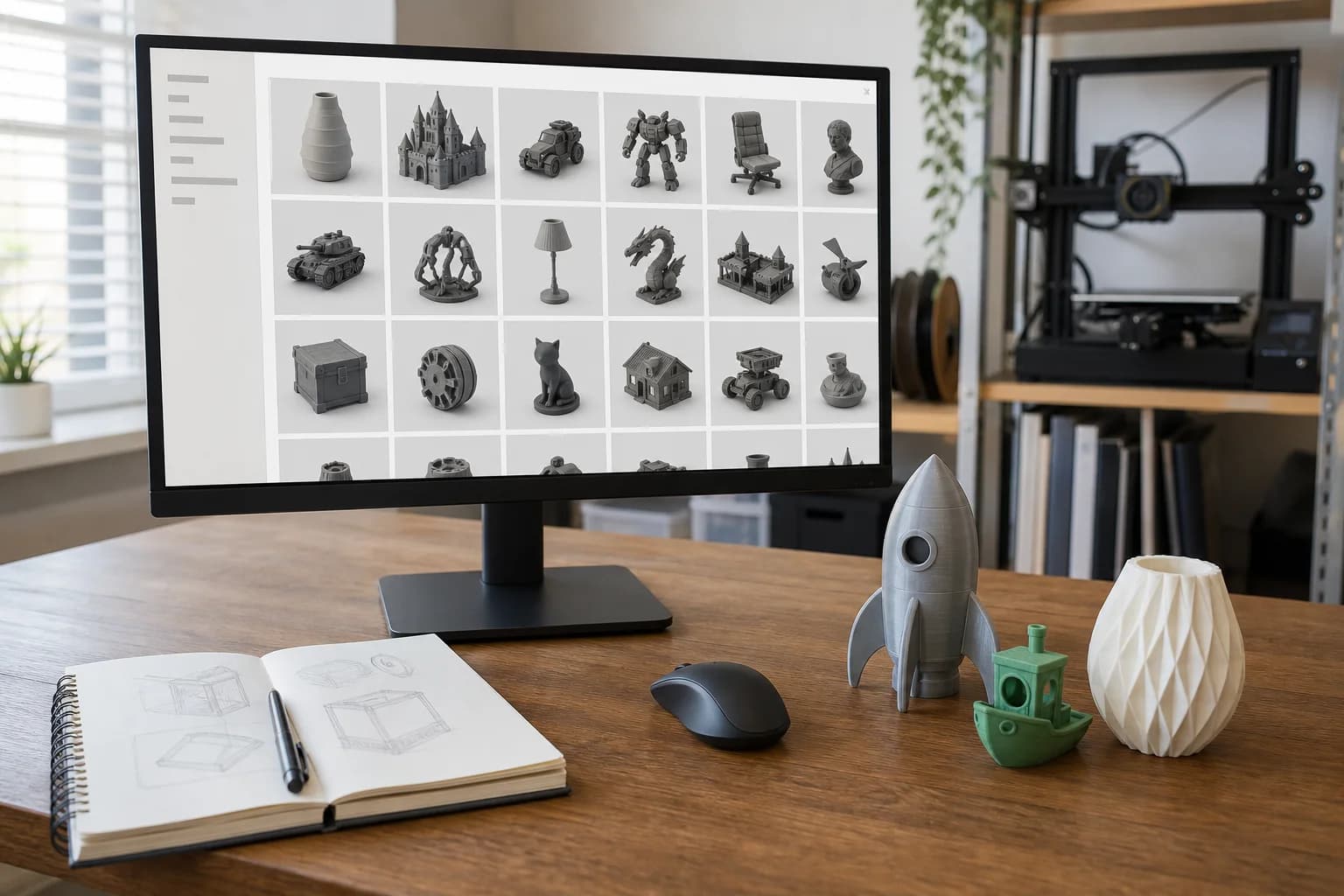
Printables is the free model library run by Prusa Research, the Czech company behind the Original Prusa printers. Of the big repositories it is the one with the strongest culture of documentation: models tend to arrive with dimensions, print settings, assembly notes and photographs of the actual printed thing rather than a render. If you print functional parts — organisers, brackets, fixtures, replacement bits — it is usually the first place worth looking. For the wider map of where else to look, start with where to find 3D models to print.
Two things shape the site's character. First, it is run by a printer manufacturer that wants people to succeed at printing, so the incentives point at quality rather than clicks. Second, its Prusameters reward system and regular design contests pay designers — in points redeemable against filament and merchandise, and in printers and vouchers for contest winners — for models that people actually download and make. The result is a catalogue that skews practical and hobbyist: workshop aids, household fixes, printer upgrades, RC and model-making parts, with a smaller but decent decorative side.
Alongside the free library there is a paid layer: the Printables Store for one-off purchases and Clubs, which are designer-run memberships. Search now mixes free and paid results by default, so if you only want free models, use the price filter. Nothing wrong with paying a designer, but know which you are looking at before you get attached.
How to actually search it
Typing a phrase into the search box and scrolling is the slow way. The fast way:
- Filter by category first, then sort by makes or rating. A model with dozens of makes has been printed by dozens of strangers on dozens of differently-calibrated machines. That is the single most honest quality signal any repository offers.
- Read the makes, not just the count. Click through to the photos people posted. If the makes look like the listing photo, the model prints as advertised. If every make is warped, stringy or abandoned at 40 mm, believe the makes.
- Follow the remix tree. Good functional models accumulate remixes — resized variants, reinforced versions, versions fixed for a tolerance problem the original had. A deep remix tree means the design is worth other people's time. Often the remix you want already exists.
- Follow designers, not just models. When you find one well-documented model, look at the profile behind it. Designers who publish dimensioned drawings and print notes do it for everything they release. Their profile page is a curated shortlist that no search query will build for you.
- Raid the contests. Contest entry pages are themed collections that have already been fought over — the winners and runners-up in a "tool organisation" or "spare parts" contest are a better starting point than page one of search.
- Use collections. Other users' public collections ("van storage", "workshop jigs") are free curation. Steal their homework.
Spotting a model that will print badly
Before you fall for a listing photo, check for the warning signs:
- No makes and no print settings. Possibly fine, possibly never printed by anyone including the designer. Renders are cheap; photographs are evidence.
- No dimensions anywhere. STL files carry no units, so a "phone stand" can arrive doll's-house sized. A designer who states the bounding box has thought about you; one who does not may not have thought much at all. Our note on why an STL might not be printable covers what else goes wrong inside the file.
- A sculpt doing a functional part's job. Miniatures and busts are modelled for looks; if you need something to bear load or fit something, look for a model that mentions tolerances, wall thickness or hardware.
- Multi-part assemblies with vague hardware. "Requires screws" without sizes means an afternoon at the fixings drawer. Good designers list the exact bolts, nuts and inserts.
- Pre-sliced print files instead of geometry. Printables hosts sliced G-code and project files aimed at Prusa machines alongside the model. Those are settings for one specific printer, not the shape. Download the STL, 3MF or STEP — if a listing offers only sliced files, move on.
Licences, plainly
Every Printables model carries a licence chosen by the designer, mostly from the Creative Commons family. The letters matter:
- CC0 / CC BY — do what you like (BY requires credit). Includes selling prints.
- CC BY-SA — as above, but remixes must carry the same licence.
- CC BY-NC and CC BY-NC-SA — free for personal use, no commercial use. The most common choice for hobby designs.
- CC BY-ND / CC BY-NC-ND — no remixing; print it as designed.
The question we get asked: if a model is non-commercial, can I pay a service to print it for me? We are not going to give you legal advice, but the practical position is this. "Non-commercial" governs what is done with the design — you are not selling the print, and neither are we; you are paying for machine time and material, much as a photo lab charges to print a photograph you own. Many designers say explicitly in their listing that print services are fine for personal use; a few say the opposite. The licence text and the designer's word are what govern, and checking is the downloader's job, not the print service's — we print the file you send. If it matters, ask in the model's comments; Printables designers generally answer. And if you intend to sell the printed items, you need CC BY, CC0 or the designer's written permission — no shortcuts.
From download to printed part
- Download the geometry — STL or 3MF, not the pre-sliced files.
- Check the size. Open it in any viewer and confirm the bounding box matches reality. Our STL preparation checklist takes five minutes and prevents the classic ten-times-too-small delivery.
- Pick the material for the job, not the photo. PLA for indoor and decorative, PETG for parts that live outside or take load, nylon when it genuinely has to work — the materials guide walks the line.
- Send it to us. Upload the file, tell us the intended size and what the part does, and we quote it. Pricing works per part, explained on the pricing page.
FAQ
Do I need a Prusa printer to use Printables?
No. The library is open to everyone and the models are standard geometry files. Only the pre-sliced print files are Prusa-specific, and you do not need them — we slice for our own machines when you send the model.
Is everything on Printables free?
Most of the catalogue is, but there is a paid Store and designer-run Clubs, and search shows both by default. Filter by price if you only want free models. Paid models come with their own licence terms — read them before buying.
Can I have a non-commercial model printed for personal use?
Generally that is what personal use means — you are buying manufacturing, not selling the design or the print. But the licence is between you and the designer, so read it, and ask the designer if you are unsure. If you plan to sell the prints, you need a commercial-friendly licence or explicit permission.
What file type should I download?
3MF or STL for printing; STEP if offered and you want to modify the part properly in CAD first. See what file types 3D printers use.
Models that show this in practice
Open-source designs from our print library. Each one has a full material and quantity price breakdown.
Floating Feeding Ring (80mm)
Drawer Organiser Tray
Glass Lid Clip (4mm glass)
Glass Lid Clip (6mm glass)
These are open-source example designs (CC0) we publish to show what the process suits and what it costs — not a record of past jobs. Prices shown are examples in PLA.
Get a 3D print estimate
Upload your file or describe the part. We review printability before confirming anything.
Services covering this
Related guides
Where to Find 3D Models to Print
You don't need CAD skills to get a part printed — millions of ready-made models are free to download. Where to look, how to judge what you find, and what the licence small print actually means.
GrabCAD and Other Sources of Engineering CAD Models
For functional parts, hunt where the engineers share — GrabCAD Community, TraceParts and 3D ContentCentral — and take the STEP file over the STL every time. Here is why, and what to watch for.
Finding 3D Models on Thingiverse
Thingiverse is the oldest and biggest free model archive — brilliant for obscure parts, cluttered with abandoned files. How to dig out the good stuff.