GrabCAD and Other Sources of Engineering CAD Models
For functional parts, hunt where the engineers share — GrabCAD Community, TraceParts and 3D ContentCentral — and take the STEP file over the STL every time. Here is why, and what to watch for.
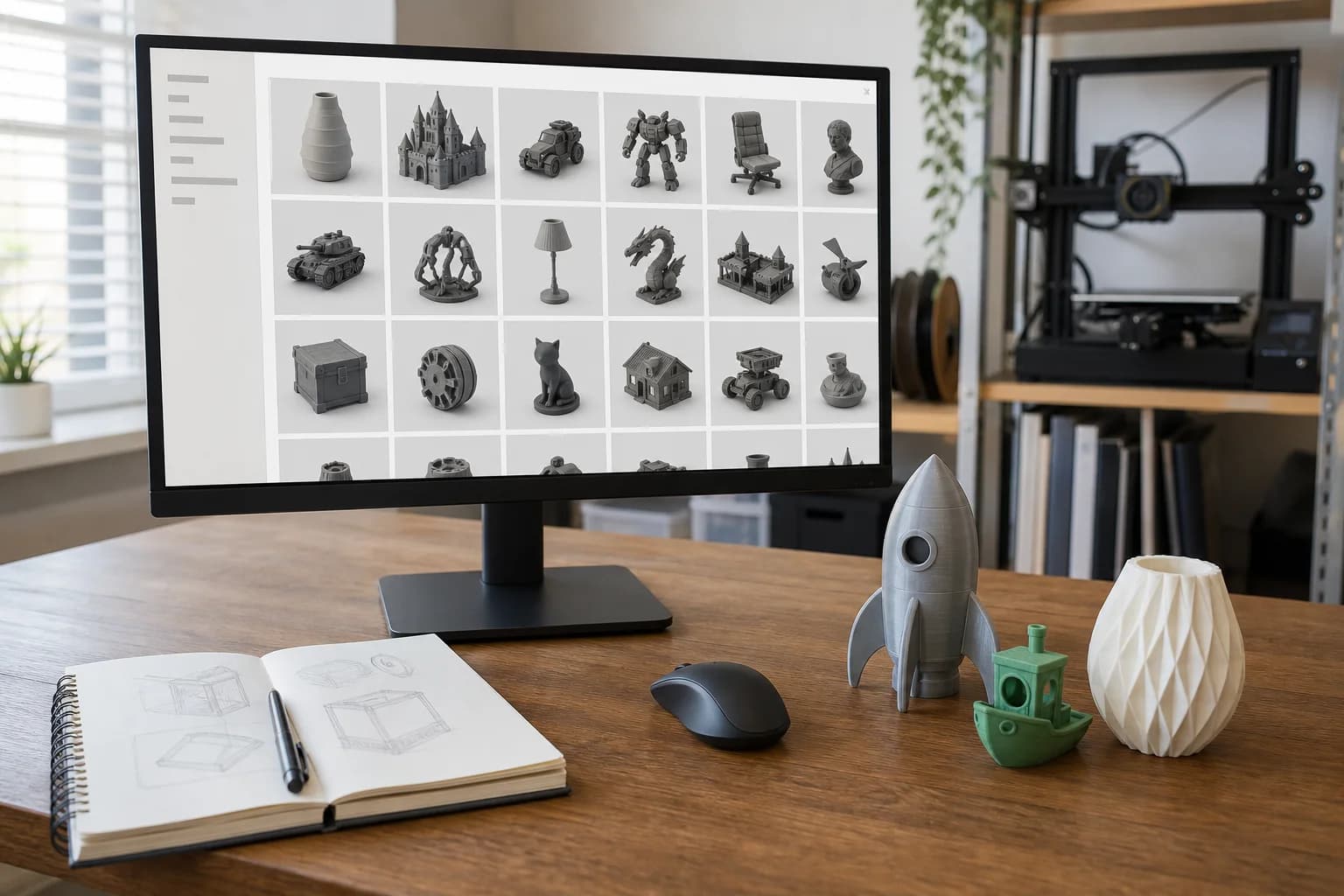
GrabCAD Community is a free library where working engineers share real CAD — brackets, fixtures, gearbox housings, jigs, whole machines — and it is the first place to look when the part you need is functional rather than decorative. The thing that makes it valuable is not the size of the catalogue but the file format: much of it is available as STEP, not just STL, and for a part that has to fit something, that difference is everything.
Why STEP beats STL for functional parts
An STL is a frozen mesh — thousands of triangles approximating a shape, with no dimensions, no faces, no way to cleanly change anything. A STEP file is the actual geometry: real cylinders, real planes, real edges that CAD software can edit. The distinction is covered properly in what file types 3D printers use, but the practical consequence is simple.
Download a bracket as STL and the hole spacing is whatever the designer chose, forever. Download the same bracket as STEP and the holes can be moved 3 mm, the slot widened for your bolt, the boss lengthened to clear your cable — minutes of work for anyone with CAD. When a file needs adapting to fit your machine, a STEP file turns "start again from scratch" into "small edit", which is exactly the sort of job our design help service exists for.
If a model offers both formats, take the STEP. Take the STL too, by all means, but the STEP is the one with a future.
What GrabCAD is genuinely good at
The parts are real. These are files drawn by people who needed them: NEMA 17 motor mounts, aluminium extrusion brackets, DIN rail clips, sensor housings, pump impellers, robot grippers. Many uploads include native files (SolidWorks, Fusion 360, Inventor) alongside STEP exports, and the comments underneath often contain engineers pointing out dimensional errors — free peer review, if you read it.
And the weaknesses, honestly: there is no curation whatsoever. Student portfolio pieces sit beside production-quality parts, render-only models have zero wall thickness in places no one checked, and some uploads are enormous assemblies when you wanted one component. Quality varies from excellent to ornamental, and nothing on the page tells you which you have until you open the file.
The honourable mentions
TraceParts and 3D ContentCentral are a different animal: manufacturer part catalogues. Instead of hobbyist uploads, you download the official CAD for commercial components — bearings, sensors, connectors, linear rails, pneumatic fittings — published by the manufacturers themselves, free after registration, in your choice of format including STEP. The dimensions are the manufacturer's own, which is the whole point.
Printables' functional side deserves a nod too. Its tools, gadgets and household categories are full of parts that have actually been through printers, and a growing number of designers attach STEP or other source files alongside the STL. The engineering depth is shallower than GrabCAD's, but the printability is far more proven.
Why manufacturer CAD is gold for brackets, fixtures and adapters
Most custom brackets fail for one boring reason: the measurement of the thing they attach to was slightly wrong. Manufacturer CAD removes the guesswork. Import the actual model of the sensor, the pump, the extrusion profile — exact hole pattern, exact flange, exact body — and design the bracket around it. No vernier acrobatics, no "print it and see". For jigs and fixtures that must grip a real commercial component, working from the manufacturer's own geometry is the difference between one print and four.
Searching GrabCAD well
- Search by the standard, not the object. "NEMA 23 mount", "2020 extrusion", "608 bearing", "DIN rail" — engineers name files by the interface. A search for "bracket" gets you noise.
- Check the file list before downloading. Every model page lists its formats. If there is no STEP (or native CAD), you are looking at a mesh with extra steps.
- Use the tags and software filters to narrow to models with usable formats.
- Read the comments. A model with people saying "the hole pattern is 2 mm off" has just saved you a print.
File gotchas before you print
- Assemblies versus single parts. A STEP file of a complete gearbox is not printable as-is; the one gear you need has to be isolated first. Send the whole file anyway and say which part you are after — extracting it is quick in CAD.
- Drawn for CNC or moulding, not printing. Most GrabCAD parts were designed for machining or injection moulding. Expect sharp internal corners, knife-edge features and no thought given to layer direction or overhangs. Printable, usually — but sometimes worth a small redesign for strength, as covered in design tips for printed parts.
- No clearance anywhere. Engineering CAD is drawn at nominal size: a 10 mm shaft and a 10 mm hole, line to line. Printed exactly as drawn, they will not assemble. Clearances need adding deliberately — see tolerances and fit.
- Threads modelled true. A modelled M8 thread printed at nominal will not take a bolt without persuasion. Usually better to print the hole plain and cut or insert the thread.
Licensing, plainly
GrabCAD models are shared by their uploaders and the default terms are personal, non-commercial use: print what you like for yourself, but commercial use needs the uploader's explicit permission, and attribution is expected if you share anything publicly. There is a second layer, too — many models depict branded commercial products, and the uploader never had the right to hand you that geometry for resale in the first place.
Manufacturer catalogues are cleaner but narrower: the CAD is published so you can design around the parts. Printing a fixture that holds their sensor is what the file is for; printing knock-off copies of the sensor housing to sell is not. Practical guidance, not legal advice — when in doubt, ask the uploader or the manufacturer, and for anything commercial, always.
From STEP file to printed part
You can upload a STEP or STP file directly — no need to convert it to STL yourself, and genuinely better if you do not, because the editable geometry is what lets us add clearances, isolate a part from an assembly or adapt the design to fit before anything is printed. We check every file and quote from there; how pricing works explains the numbers. And if the part you need is not on any of these platforms, the wider guide to finding printable models covers the rest of the map.
FAQ
Can I send you a STEP file straight from GrabCAD?
Yes — STEP and STP upload directly, and they are the preferred format for functional parts precisely because they stay editable if anything needs adjusting.
The part I need is buried inside an assembly. What do I send?
Send the whole assembly file and tell us which component you need. Isolating one part from a STEP assembly is a quick CAD job.
Can you print a GrabCAD model for my business?
We can print it, but the licensing is your side of the deal: GrabCAD's default terms are non-commercial, so commercial use needs the uploader's permission first. For a part going into a product, having it redrawn from your own measurements is often the cleaner route.
Why not just use the STL version if one is offered?
Use it if the part fits your need exactly as drawn. The moment anything needs changing — a hole, a clearance, a length — the STL becomes an obstacle and the STEP file a five-minute edit.
Models that show this in practice
Open-source designs from our print library. Each one has a full material and quantity price breakdown.
15mm Pipe Clip
Drawer Organiser Tray
22mm Pipe Clip
28mm Pipe Clip
These are open-source example designs (CC0) we publish to show what the process suits and what it costs — not a record of past jobs. Prices shown are examples in PLA.
Get a 3D print estimate
Upload your file or describe the part. We review printability before confirming anything.
Services covering this
Related guides
Where to Find 3D Models to Print
You don't need CAD skills to get a part printed — millions of ready-made models are free to download. Where to look, how to judge what you find, and what the licence small print actually means.
Finding 3D Models on Thingiverse
Thingiverse is the oldest and biggest free model archive — brilliant for obscure parts, cluttered with abandoned files. How to dig out the good stuff.
Finding 3D Models on Thangs
Thangs is a search engine first and a model host second — it finds files by shape across rival platforms. How to use it well, and where it runs thin.