Finding 3D Models on Thangs
Thangs is a search engine first and a model host second — it finds files by shape across rival platforms. How to use it well, and where it runs thin.
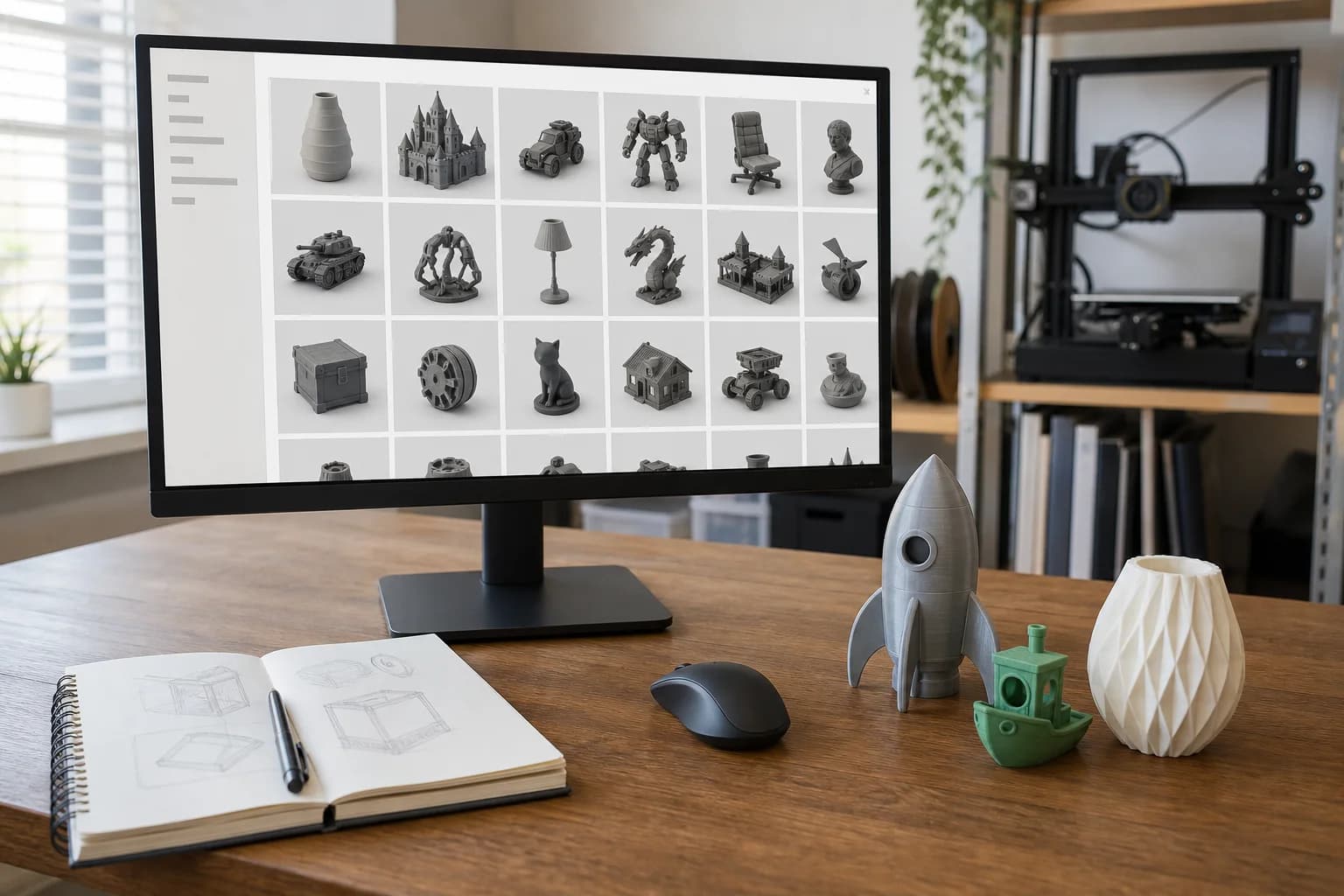
Thangs is a search engine that happens to host models, not a model library that happens to have search — and once you hold it that way round, it makes sense. Built by Physna, a company whose actual business is geometric analysis software, Thangs indexes 3D files across the web — Thingiverse, Printables, Cults3D and more — and can match them by shape rather than by whatever words the uploader happened to type. It is the tool you reach for when you know what a part looks like but not what anyone calls it.
Who is it best for? Anyone hunting a specific functional part. The person holding a broken bracket with no idea whether it is filed under "bracket", "mount", "clip" or "thingy for the shelf" is exactly who Thangs was built for.
The party trick: searching by geometry
Keyword search fails on 3D models constantly, because naming is anarchy. One designer's "GoPro mount" is another's "action cam adapter" is a third's "untitled_v3_final_FINAL". Thangs sidesteps the words entirely: give it a mesh or an image and it looks for geometry that matches.
Two ways in:
- Upload a mesh. Feed it an STL — even a rough one — and it returns models with similar geometry, wherever they are hosted. Superb for finding a better-made version of a mediocre file you already have, or the original that some re-upload was copied from.
- Search from a photo. Point it at a picture of the object and let the visual match do the work. It is not infallible — a photo carries far less information than a mesh, and distinctive shapes fare much better than generic boxes — but when it lands, it feels like cheating.
The third pillar is cross-platform indexing. A Thangs result list mixes its own hosted files with results from rival sites, labelled with their source, and clicks you through to wherever the file actually lives. One search instead of five tabs. Filters let you narrow by source and by free versus paid.
Where it runs thin
Honesty time. Thangs' native hosting is much thinner than its search. The platform is young compared with the sites it indexes, so its own catalogue is a fraction of what it can find, and skews towards the communities that adopted it early. Search Thangs and you will often end up downloading from Thingiverse or Printables anyway — which is fine, because that is rather the point, but do not expect the deep back-catalogue of obscure spares that the older archives hold natively.
Other caveats:
- The index is not the source. Thangs shows you where a file lives; the licence, the comments and the download all belong to the host site. Judge the file there, not in the search results.
- Shape search rewards distinctive geometry. A one-off enclosure with odd cutouts matches beautifully. A plain cube-with-holes returns half the internet.
- Designer memberships change what "found it" means. Thangs runs paid memberships — designers put their premium files behind a monthly subscription, Patreon-style, and Thangs even crawls other sites to flag unauthorised re-uploads of that paid work. So a perfect search hit may sit behind a subscription to one designer. Worth knowing before you assume everything indexed is free.
Practical technique
- Start with the mesh if you have one. A shape search from an actual file beats any keyword query. If you have a bad version of the part, use it as bait for a good one.
- Photograph the broken part square-on against a plain background if you are searching from an image. Clutter and perspective both degrade the match.
- Use the source filter. If you only want free files, filter out the paid results early rather than falling for something behind a membership.
- Follow the link home and read around the file. Makes, comments and print settings live on the hosting site. A Thangs result is a lead, not a verdict.
Spotting a file that will print badly
Because Thangs aggregates everything, it aggregates the rubbish too. The same tells apply wherever the file ends up living:
- No photos of real prints — renders prove nothing except that the designer owns a graphics card.
- Sculpt, not part. Models made for games or animation often have zero wall thickness and non-manifold geometry. They look wonderful and slice into confetti — our guide to why an STL might not be printable explains the mechanics.
- No stated dimensions. STL carries no units, so without a reference measurement the scale is folklore.
- Gravity-defying geometry — big unsupported spans and 90-degree overhangs with no suggested orientation mean the designer never met a printer.
Licensing: still your job
Thangs hosts files under the usual spread of licences — Creative Commons variants on the free side, per-designer terms on membership content — and the files it indexes elsewhere carry whatever licence their home site gives them.
The short version of Creative Commons: BY means credit the designer, SA means share derivatives under the same terms, NC means non-commercial. On that last one — if you pay a print service to make you one copy for your own use, the accepted reading is that this is still personal use; you are buying machine time, not selling prints. Selling copies is what NC forbids. That is practical convention, not legal advice.
Membership files are more restrictive: you are typically licensed to print for yourself while subscribed, and redistribution is exactly what the designer is paying Thangs to police. Either way, the licence check belongs to the person downloading — a search engine cannot do it for you, and neither can we.
From download to printed part
Found the right file? Three checks and a click:
- Confirm the scale. Open it in a slicer or viewer, check the bounding box against a real measurement, and note the critical dimension.
- Run a quick mesh sanity check — watertight, sensible wall thickness. The STL preparation checklist takes two minutes.
- Choose a material for the duty, not the default — the materials guide covers when PLA is fine and when it very much is not.
- Upload the file and we will check printability before quoting, with pricing laid out openly. If the file needs repair, you will hear before anything is printed.
Thangs is one tool in the hunt — the full guide to finding printable models covers when to use which platform, and our own print library holds a curated set of practical parts with example prices if you would rather skip the safari.
FAQ
Is Thangs free to use?
Searching and downloading Thangs-hosted free models costs nothing. Designer memberships — subscribing to an individual creator's premium files — are paid, and files indexed from other sites cost whatever those sites charge.
How is Thangs different from Thingiverse or Printables?
Those are libraries: they host files and you search within them. Thangs is primarily a search engine that indexes those libraries (and hosts some files of its own), and it can match by geometry rather than keywords.
Can Thangs really find a model from a photo?
Often, yes — distinctive shapes photographed cleanly match well. Generic geometry and cluttered photos match poorly. If you have any version of the part as a mesh, search with that instead; it is far more reliable.
The part I need does not exist anywhere. Now what?
Then it needs designing rather than finding. Send us photos and measurements via a quote request and we can help take it from broken original to printable file.
Models that show this in practice
Open-source designs from our print library. Each one has a full material and quantity price breakdown.
Glass Lid Clip (4mm glass)
Drawer Organiser Tray
Glass Lid Clip (6mm glass)
Gusseted Shelf Bracket (large)
These are open-source example designs (CC0) we publish to show what the process suits and what it costs — not a record of past jobs. Prices shown are examples in PLA.
Get a 3D print estimate
Upload your file or describe the part. We review printability before confirming anything.
Services covering this
Related guides
Where to Find 3D Models to Print
You don't need CAD skills to get a part printed — millions of ready-made models are free to download. Where to look, how to judge what you find, and what the licence small print actually means.
GrabCAD and Other Sources of Engineering CAD Models
For functional parts, hunt where the engineers share — GrabCAD Community, TraceParts and 3D ContentCentral — and take the STEP file over the STL every time. Here is why, and what to watch for.
Finding 3D Models on Thingiverse
Thingiverse is the oldest and biggest free model archive — brilliant for obscure parts, cluttered with abandoned files. How to dig out the good stuff.