Finding 3D Models on Thingiverse
Thingiverse is the oldest and biggest free model archive — brilliant for obscure parts, cluttered with abandoned files. How to dig out the good stuff.
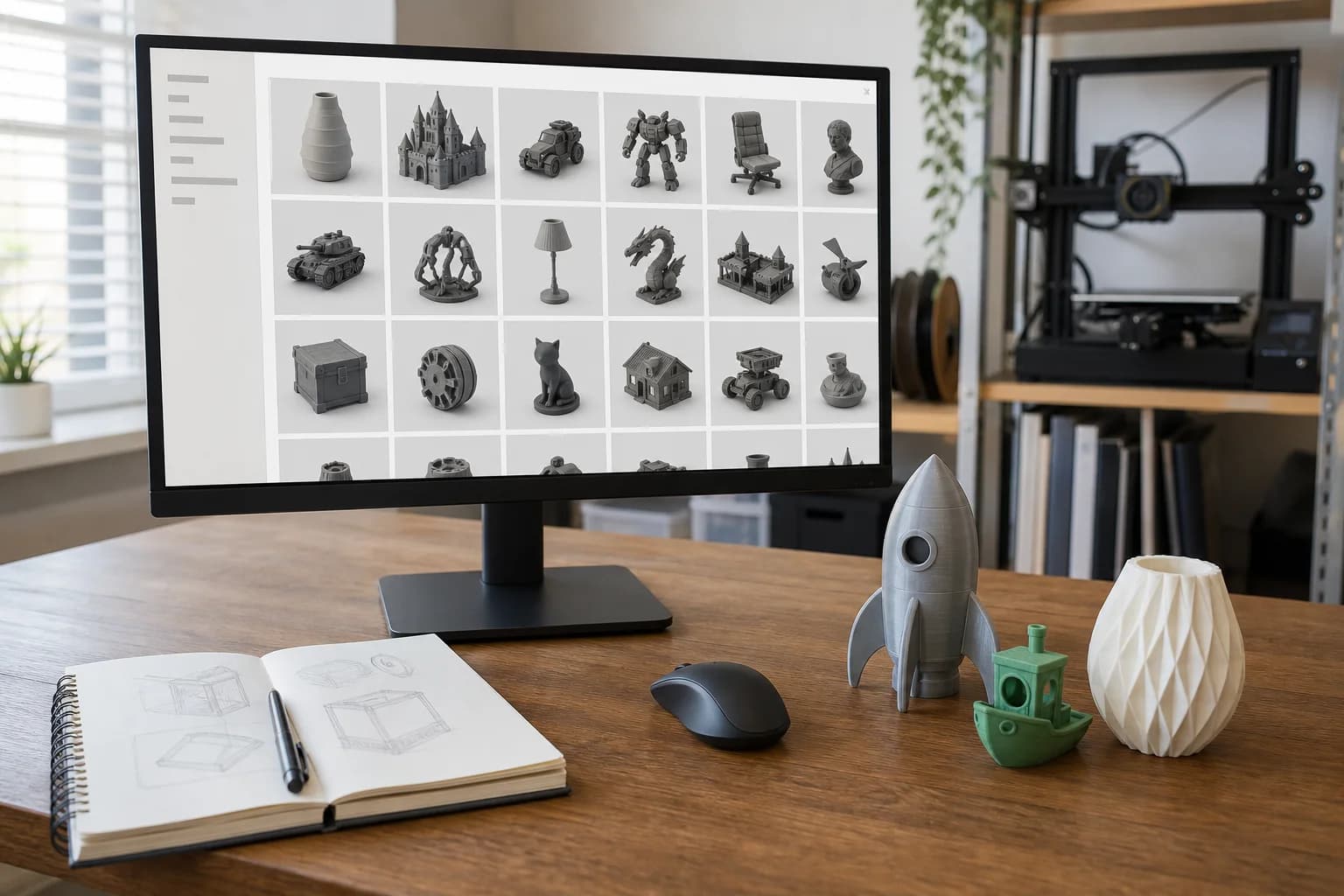
Thingiverse is the oldest and largest archive of free 3D-printable models on the web, and it is best treated as exactly that: an archive. Not a curated marketplace, not a design community in rude health — a vast attic that everyone in 3D printing has been throwing files into for well over a decade. If you want a replacement knob for a discontinued blender or a bracket somebody solved in 2013, the attic is still the first place to look. If you want polish, look elsewhere and come back when you need something obscure.
It launched under MakerBot, drifted through the Stratasys and UltiMaker years with visibly little maintenance, and in early 2026 was bought by MyMiniFactory, who have said openly that the site needs cleaning up. That candour tells you most of what you need to know about its current state.
What it is genuinely good at
Depth of back-catalogue. Because it was the default upload destination for so long, Thingiverse holds solutions to problems nobody has bothered re-solving elsewhere. Replacement parts for appliances that left production years ago, mounts for old cameras and tripods, spares for tools whose manufacturers have vanished — if it broke and someone modelled a fix, odds are the fix lives here. Newer platforms simply have not existed long enough to accumulate this.
Remix chains. Thingiverse's remix system links every derivative back to its original. A popular design from 2014 often has a family tree of fixes hanging off it — thicker walls, corrected tolerances, a version that prints without supports. The original gets the search traffic; the third remix down is frequently the one worth printing.
The Customizer. Some designs are parametric: you type in your measurements — shaft diameter, shelf thickness — and the site generates an STL to suit. When it works, it is the closest thing to free custom design on the internet. It is also one of the site's creakier features, so expect the occasional failure.
Where it falls down, honestly
- Abandoned uploads. A large share of the catalogue was posted by people who left the hobby a decade ago. Questions in the comments go unanswered; broken files stay broken.
- Dead links and missing files. Downloads that 404, thumbnails that never load. It happens often enough that you should not be surprised by it.
- Search that fights you. The native search has been poor for years. Exact-phrase queries miss obvious results; relevance sorting is a lottery.
- No quality bar. Anyone could upload anything, and they did. Untested first attempts sit beside battle-hardened classics with nothing to tell them apart at a glance.
None of this makes the platform useless. It makes it a place where your filtering skills matter more than the search box.
How to actually search it
Sort by makes, not likes. A "make" is a photo of a real, physical print posted by someone who downloaded the file. Likes cost nothing and are often awarded to renders; makes are proof the thing exists in plastic. A model with twenty makes has been debugged by twenty strangers on twenty different machines.
Read the comments before you download. Thingiverse comments are where problems surface: "scale to 102% for a snug fit", "the pin holes are undersized, drill them out", "V2 in the remixes fixes the overhang". Two minutes of reading regularly saves a failed print.
Check the remixes tab. As above — the community's bug fixes live there. If the original is more than a few years old, assume someone has improved it.
Search from Google instead. site:thingiverse.com plus your query in a normal search engine routinely beats the native search. Include the appliance's model number for replacement parts; people who upload spares usually put the part number in the title.
Spotting a file that will print badly
A few tells, before you waste a download:
- Renders only, no photographed prints. A gallery of glossy CGI and zero makes means nobody — possibly including the designer — has printed it.
- Sculpt versus functional part. A model made for CGI or gaming often has paper-thin walls, intersecting shells and no flat face to print from. It looks great and slices horribly. Our guide to why an STL might not be printable covers the usual failure modes.
- No dimensions anywhere. If neither the description nor the comments mention real-world size, the scale is a guess. STL files carry no units, so a "10 mm" hole may arrive as a 10-inch one.
- Obvious unsupported geometry. Long horizontal spans and steep overhangs with no mention of print orientation suggest the designer never thought about manufacture.
Licensing: what those CC labels mean
Every Thingiverse upload carries a licence, usually a Creative Commons variant, shown on the right of the model page:
- CC BY — do what you like, credit the designer.
- CC BY-SA — as above, and derivatives must carry the same licence.
- CC BY-NC — non-commercial: you may not sell prints of it or use it to make money.
The one that causes confusion is NC. If you download a non-commercial file and pay a service to print it for your own use, the generally accepted reading is that you are fine — you are not selling the print, you are paying for machine time, much as paying a copy shop to print a document does not make you a publisher. What NC clearly rules out is printing copies to sell. That is the practical convention, not legal advice, and edge cases exist.
Two things are always true: checking the licence is the downloader's job, not the print service's, and "it was free to download" is not the same as "free to do anything with". Take the thirty seconds.
From download to printed part
Once you have a promising file:
- Check the scale. Open it in a slicer or viewer and confirm the bounding box matches reality. Measure the broken part it replaces if you have one.
- Skim the mesh. Our checklist for preparing an STL covers watertightness and wall thickness — a two-minute sanity check.
- Pick a material for the job, not the default. A decorative piece can be PLA; anything outdoors, load-bearing or near heat wants something tougher. The materials guide sets out the trade-offs plainly.
- Send it over. Upload the STL and we will check it for printability before anything is committed to plastic — if the mesh is broken or the walls are too thin, you will hear about it before you pay, and pricing is set out openly.
Thingiverse is one hunting ground among several — the full guide to finding printable models compares the others, and our own print library has a curated set of practical parts with example prices.
FAQ
Is Thingiverse still free?
Yes. Downloading has always been free, and the new owners have said the sharing model stays. Designers are supported by voluntary tips rather than paywalls.
Why do some downloads fail or 404?
Years of thin maintenance under previous owners left broken files and dead links across the catalogue. The current owners have acknowledged the cleanup job. If a download fails, check the remixes — a working copy often survives there.
Can I sell prints of a Thingiverse model?
Only if the licence allows it. CC BY and CC BY-SA permit commercial use with attribution; anything marked NC does not. The licence is stated on every model page — read it before you commit.
The model I found has no dimensions. What do I do?
Measure the real object it mates with, tell us the critical dimension when you upload, and we will scale and check the file against it before printing.
Models that show this in practice
Open-source designs from our print library. Each one has a full material and quantity price breakdown.
Screw-Top Jar Lid (40mm thread)
15mm Pipe Clip
22mm Pipe Clip
28mm Pipe Clip
These are open-source example designs (CC0) we publish to show what the process suits and what it costs — not a record of past jobs. Prices shown are examples in PLA.
Get a 3D print estimate
Upload your file or describe the part. We review printability before confirming anything.
Services covering this
Related guides
Where to Find 3D Models to Print
You don't need CAD skills to get a part printed — millions of ready-made models are free to download. Where to look, how to judge what you find, and what the licence small print actually means.
GrabCAD and Other Sources of Engineering CAD Models
For functional parts, hunt where the engineers share — GrabCAD Community, TraceParts and 3D ContentCentral — and take the STEP file over the STL every time. Here is why, and what to watch for.
Finding 3D Models on Thangs
Thangs is a search engine first and a model host second — it finds files by shape across rival platforms. How to use it well, and where it runs thin.