How to Find Good 3D Models on MakerWorld
MakerWorld is Bambu Lab's model platform, built around print profiles that work first time. How to sort the genuinely good models from the engagement-bait, and what its licences actually let you do.
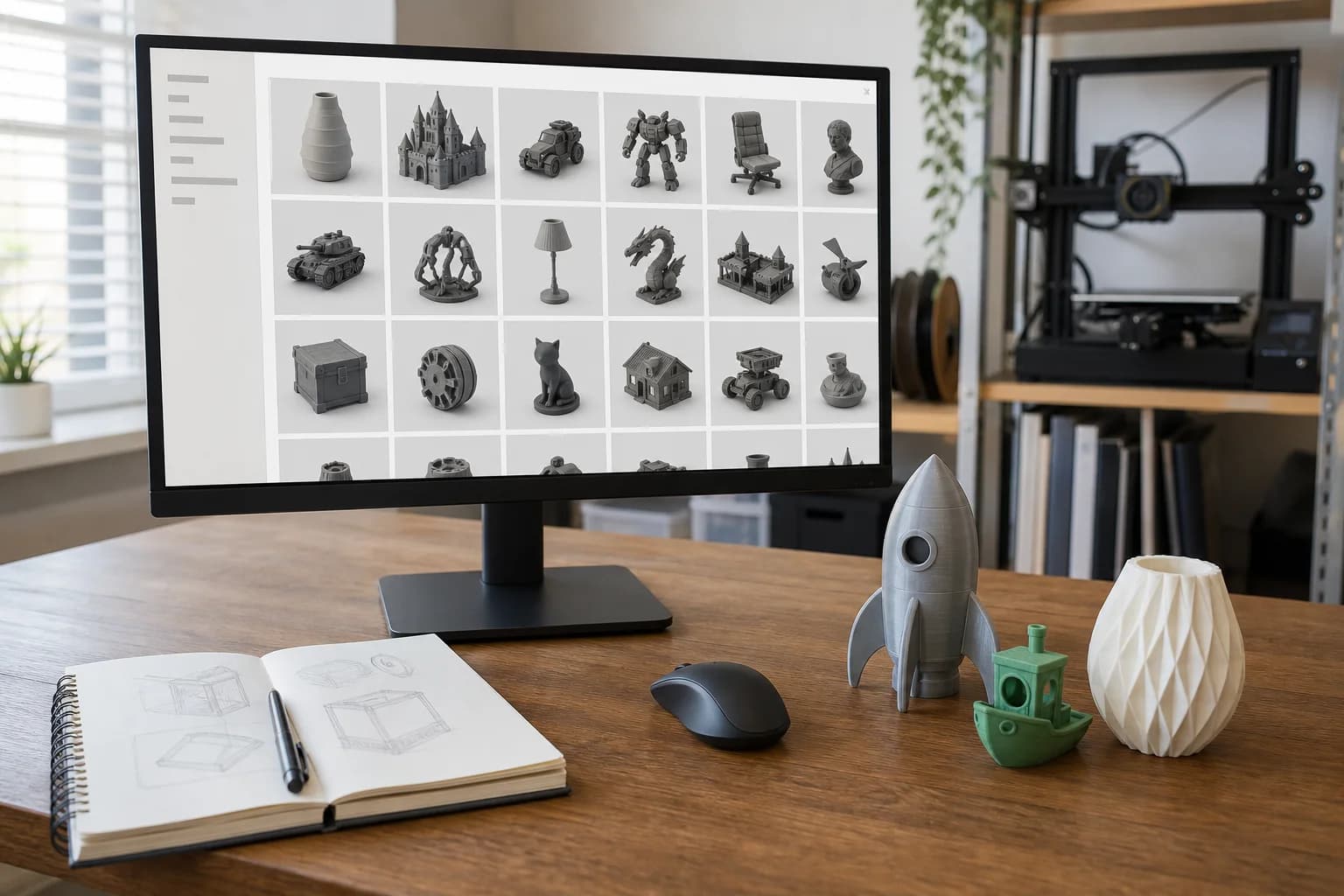
MakerWorld is Bambu Lab's model platform, and it is built around one promise: press print and it works. Models ship with print profiles — Bambu Studio project files with the settings, supports and colour assignments already dialled in — so on Bambu hardware a download is genuinely one click from a finished object. It has become the highest-traffic repository going, with the strongest multi-colour catalogue anywhere, and it is where you look when you want a finished object rather than a project. For the wider landscape, see where to find 3D models to print.
The platform's engine is a points economy. Designers earn points when people download, print, rate and boost their models; points convert to gift cards and filament, and models enrolled in the Exclusive Model Program — published on MakerWorld and nowhere else — earn at a higher rate and can convert to cash. This has two consequences you should understand before you search. The good one: designers are paid for models that people successfully print, so the popular stuff genuinely prints well. The less good one: the same economy rewards volume and virality, so the front page leans hard towards articulated dragons, fidget toys and whatever is trending — and some uploads exist to farm points rather than to be useful. The catalogue skews decorative, toys and desk gadgets, with a solid and growing functional side underneath (storage systems, organisers, household fixes) that you have to search for deliberately.
How to actually search it
- Sort by prints, not likes. MakerWorld counts how often a model has actually been printed through its ecosystem, and ratings are collected from people after they print. That is a far harder signal to fake than a heart. A model with a large print count and a healthy rating has survived contact with thousands of real print beds.
- Read the profile comments and ratings text. People report failures specifically — "supports fused on the hinge", "needs 10 % more scale to fit". Two minutes of reading tells you what the listing photo will not.
- Check the remix lineage. Like anywhere else, good designs accumulate remixes that fix tolerances or add variants. The fixed version of the thing you want frequently already exists one click down the remix tree.
- Follow designers. Find one well-documented functional model and the profile behind it will usually hold more of the same. Functional designers on MakerWorld tend to state dimensions and hardware; the point-farmers tend not to.
- Filter by licence when it matters. If you know you will want to modify the model or sell prints, filter for permissive licences at the search stage instead of discovering the restriction after you have fallen for the design.
Spotting a model that will print badly
- No print count and no makes. On a platform this size, a model nobody has printed is telling you something.
- A gorgeous profile, no stated dimensions. The 3MF profile knows the size, but you should too — "desk organiser" ranges from tray to filing cabinet. If the listing never mentions a measurement, check the geometry yourself before assuming.
- Multi-colour models that only make sense multi-colour. A design built for a four-colour print can look like a blank slab in one material. Decide whether the shape stands on its own before you order it in a single colour.
- Supports and settings buried in the profile. Painted-on supports and per-object settings live in the Bambu Studio project file and do not travel with a bare STL. Fine — we do our own support work — but it means the designer's "prints without any support" claim may depend on their profile, not the geometry. Tell us anything the listing says about orientation.
- Sculpt versus functional part. Same rule as everywhere: a model described in adjectives is decorative; a model described in millimetres is functional. If it has to fit or hold something, pick the one with numbers. Our tolerances and fit guide explains why the numbers matter.
Licences, plainly
MakerWorld models carry a licence chosen by the designer. You will meet three kinds:
- The Creative Commons family — CC0 and CC BY allow commercial use (BY with credit); the NC variants are personal use only; ND variants forbid remixing. Same letters, same meaning as on every other platform.
- The Standard Digital File License — MakerWorld's own restrictive licence, common on exclusive models. Personal use only, and notably it also forbids sharing or redistributing the digital file itself.
- The MakerWorld Exclusive License — allows remixing, but only within MakerWorld.
On the perennial question — can I pay a service to print a non-commercial model for my own use? — the practical position is the same as we set out for Printables: you are buying machine time and material for personal use, not selling the design or the print, and many designers state outright that print services are fine. But the licence text governs, and checking it is the downloader's job — we print the file you send, and we do not audit where it came from. The Standard Digital File License deserves extra care, because its no-sharing clause is stricter than plain non-commercial; if a model carries it and the printing matters to you, message the designer and ask, or choose a CC-licensed alternative — the catalogue is rarely short of those. And selling prints requires CC0, CC BY, CC BY-SA or the designer's explicit commercial arrangement. This is practical guidance, not legal advice.
From download to printed part
- Download the geometry, not the printer profile. The profile 3MF is a bundle of settings for a specific Bambu machine; what travels between printers is the shape. Take the STL, or a 3MF that contains plain geometry — and if the model comes as STEP, even better for any edits.
- Confirm the dimensions in a viewer against something real. Scaled-for-the-camera toy files are a known hazard.
- Choose the material for the job. The listing photo is almost certainly PLA; if your part lives in a hot car or holds weight, it should not be — the materials guide covers the trade-offs.
- Send it over. Upload the file, tell us the target size, colour and what it is for, and we will quote it — how pricing works is public.
FAQ
Do I need a Bambu Lab printer to use MakerWorld?
No. Anyone can browse and download, and the geometry files are standard. The one-click printing and the pre-tuned profiles are what need Bambu hardware — and if you are sending the model to a print service, you need neither.
Can you print from a MakerWorld print profile?
We print from the model geometry, not from another machine's project settings. Download the STL (or plain 3MF) rather than the sliced profile. If the profile page mentions a specific orientation or scale, pass that along and we will take it into account.
What is a "boost" and does it tell me anything?
A boost is a token users award to models they rate highly, and it earns the designer points. It is a decent enthusiasm signal, but the print count and post-print ratings are the harder evidence — sort by those.
The model I want is "exclusive" — can I still have it printed?
Exclusivity is about where the designer publishes, not who may print it. What you can do with the file is set by its licence — check whether it is a CC licence or the Standard Digital File License, and when in doubt ask the designer before sending it to anyone.
Models that show this in practice
Open-source designs from our print library. Each one has a full material and quantity price breakdown.
Glass Lid Clip (6mm glass)
Drawer Organiser Tray
Gusseted Shelf Bracket (large)
Gusseted Shelf Bracket (medium)
These are open-source example designs (CC0) we publish to show what the process suits and what it costs — not a record of past jobs. Prices shown are examples in PLA.
Get a 3D print estimate
Upload your file or describe the part. We review printability before confirming anything.
Services covering this
Related guides
Where to Find 3D Models to Print
You don't need CAD skills to get a part printed — millions of ready-made models are free to download. Where to look, how to judge what you find, and what the licence small print actually means.
GrabCAD and Other Sources of Engineering CAD Models
For functional parts, hunt where the engineers share — GrabCAD Community, TraceParts and 3D ContentCentral — and take the STEP file over the STL every time. Here is why, and what to watch for.
Finding 3D Models on Thingiverse
Thingiverse is the oldest and biggest free model archive — brilliant for obscure parts, cluttered with abandoned files. How to dig out the good stuff.